
A lot of businesses are still running Windows 10 computers.
Some because “everything still works.”
Some because replacing devices feels expensive.
And some simply because upgrading IT gets pushed down the priority list until something breaks.
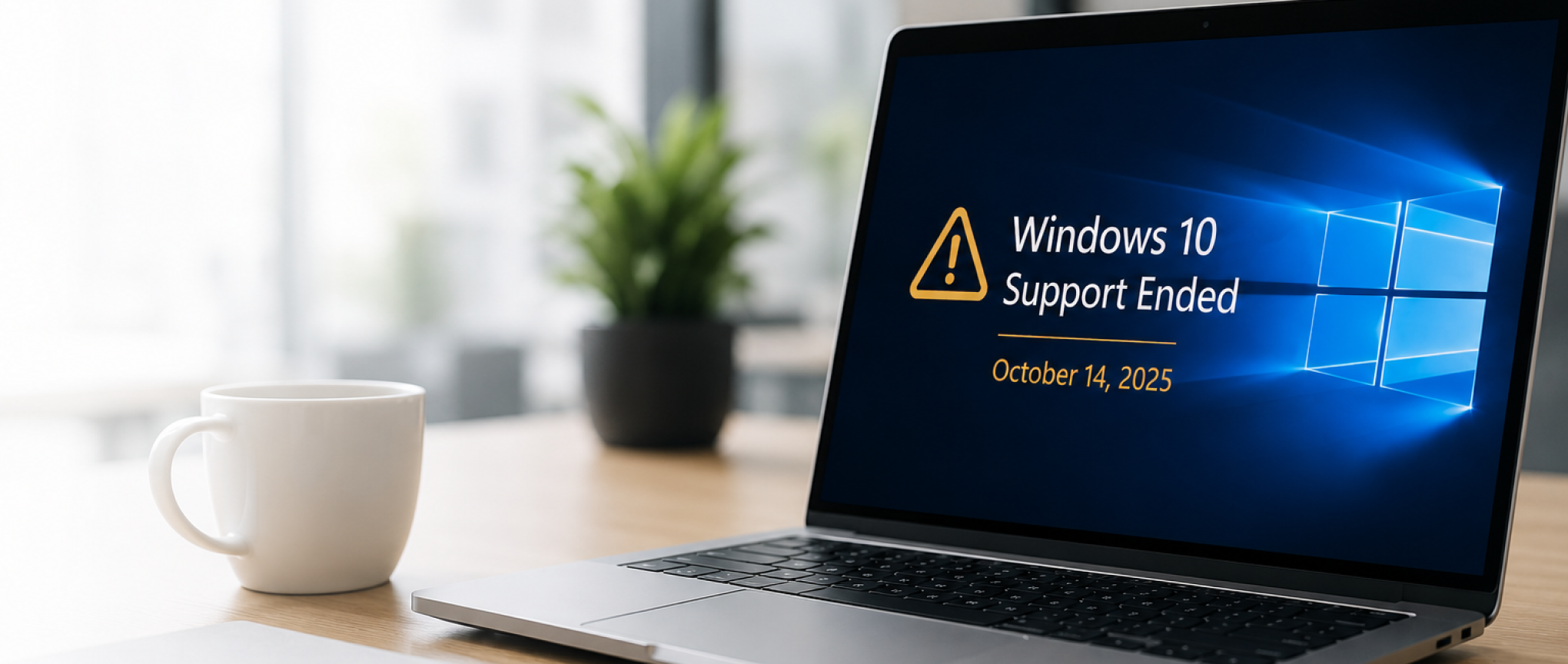
But now that Microsoft has officially ended support for Windows 10, businesses need to start paying attention.
Because this is no longer just about software updates.
It’s about security, reliability, compliance, and risk.
What Does “End of Support” Actually Mean?
When Microsoft ends support for an operating system, it stops providing:
- security updates
- bug fixes
- technical support
- protection against newly discovered vulnerabilities
Your computer may still turn on tomorrow.
But over time, unsupported systems become easier targets for:
- ransomware
- phishing attacks
- malware
- data breaches
- compliance issues
That risk grows month after month.
Why Businesses Shouldn’t Ignore This
We understand the hesitation.
Replacing computers across an office is not exciting.
But waiting too long can create much bigger problems later.
Older systems often lead to:
- slower performance
- compatibility issues
- unreliable applications
- increased downtime
- unsupported software
- security gaps
And in industries like healthcare, legal, insurance, finance, and nonprofits, unsupported devices can also create compliance concerns.
At Sandra Network, we’re already helping businesses identify which devices are ready for Windows 11 and which ones should be replaced before they become a bigger issue.
“Can’t We Just Keep Using Windows 10?”
Technically? Yes.
Strategically? Probably not.
The longer unsupported systems stay connected to your business network, the greater the risk becomes.
Cybercriminals specifically target outdated systems because they know those machines no longer receive protection updates.
That’s why many cyber insurance providers, compliance frameworks, and security standards strongly encourage businesses to stay current with supported operating systems.
This is especially important for businesses focused on:
- IT Security Services
- compliance requirements
- remote workforce security
- business continuity planning
This Is Also a Good Time to Review Your Entire Environment
One thing we often tell clients:
Don’t treat this like “just a computer upgrade.”
Treat it like an opportunity.
This is the perfect time to:
- review aging hardware
- improve cybersecurity
- organize Microsoft 365 environments
- upgrade backup systems
- improve remote access
- standardize devices
- clean up old user accounts
- improve performance company-wide
Many businesses use this transition to modernize their environment instead of continuing to patch old problems.
Some Older Devices Won’t Support Windows 11
This is the part catching many businesses off guard.
Not every Windows 10 computer can upgrade to Windows 11.
Older hardware may not meet Microsoft’s security and performance requirements.
That means some businesses may need:
- hardware replacements
- workstation upgrades
- deployment planning
- data migration assistance
- employee setup support
Sandra Network helps businesses handle these transitions with minimal disruption, including:
- device deployment
- workstation setup
- remote employee support
- user onboarding
- security configuration
- ongoing Managed IT Support
Don’t Wait Until Something Fails
Most IT emergencies don’t happen because businesses ignored technology completely.
They happen because upgrades kept getting delayed “a little longer.”
Until suddenly:
- systems stop performing
- software becomes unsupported
- security incidents happen
- hardware fails at the worst possible time
Planning ahead is always easier and less expensive than reacting later.
What Businesses Should Do Next
If your business is still using Windows 10 devices, now is the time to:
- identify unsupported computers
- review upgrade eligibility
- plan hardware replacements
- evaluate cybersecurity risks
- prepare staff for transition
- create a realistic rollout timeline
Even a simple review can help you avoid bigger issues later.
Need Help Planning Your Upgrade?
Sandra Network helps businesses transition from outdated systems to secure, modern environments without unnecessary disruption.
Whether you need:
- workstation upgrades
- cybersecurity guidance
- remote employee deployment
- Microsoft 365 support
- backup protection
- ongoing IT management
…our team can help you build a practical plan forward.
Because good IT planning is not about chasing technology trends.
It’s about keeping your business secure, productive, and protected.